

SnapFlex Mini Octopus Tripod for Smartphones & Vlogging
Remote BlackT
$14.95
Sale price
$14.95
Regular price
$25.95
Skip to product information




SnapFlex Mini Octopus Tripod for Smartphones & Vlogging
$14.95
Sale price
$14.95
Regular price
$25.95
SPECIFICATIONS
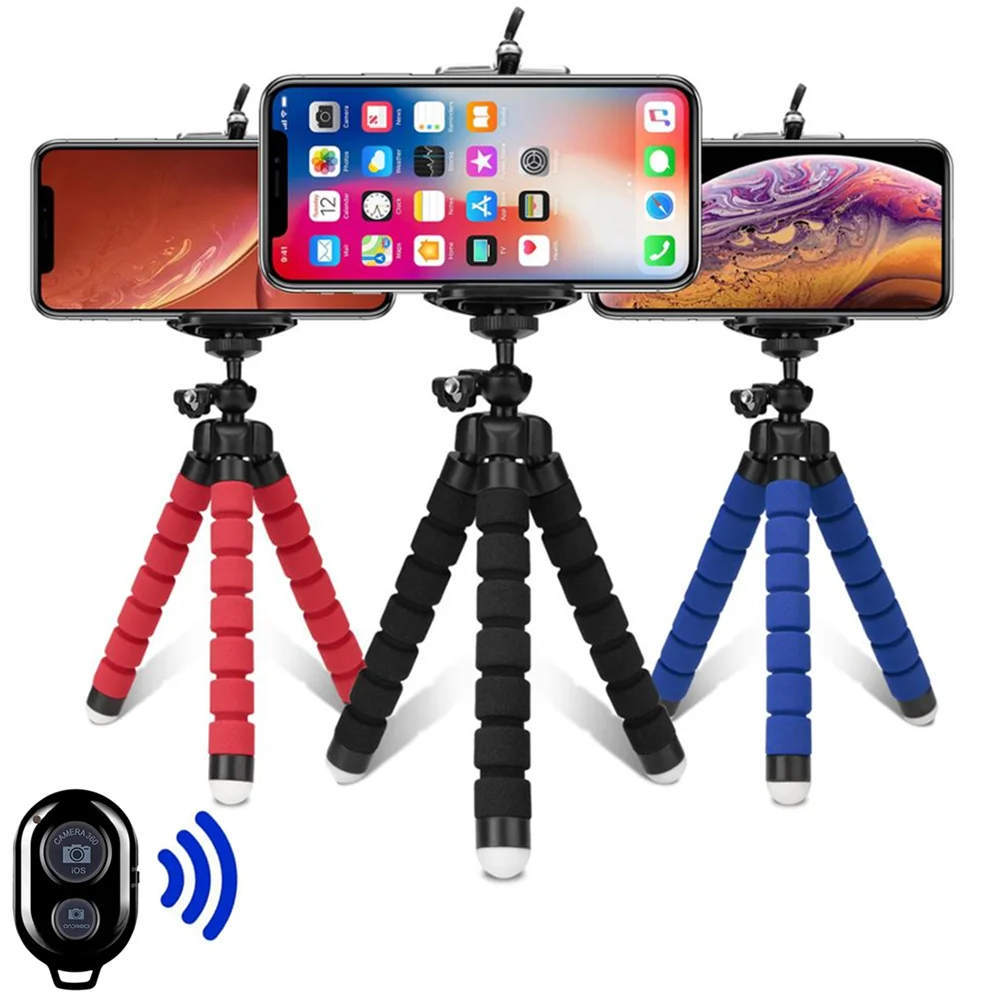
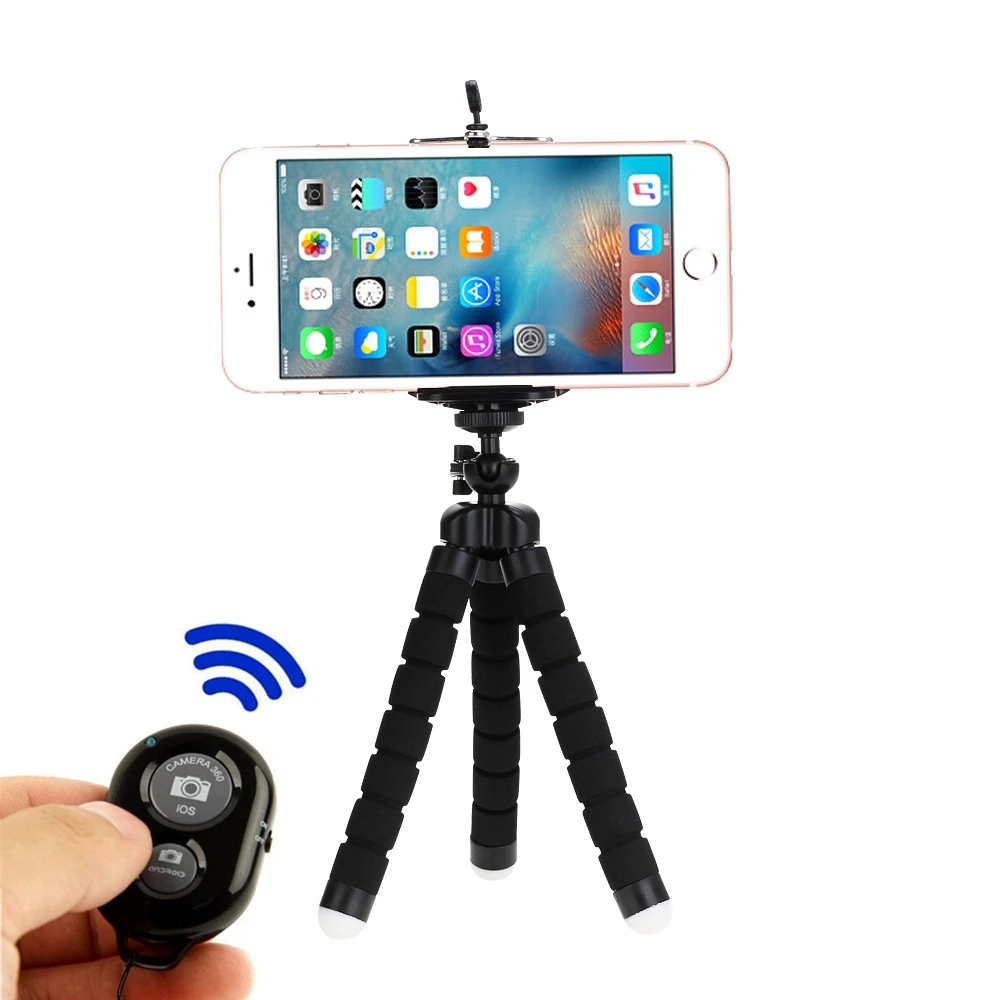
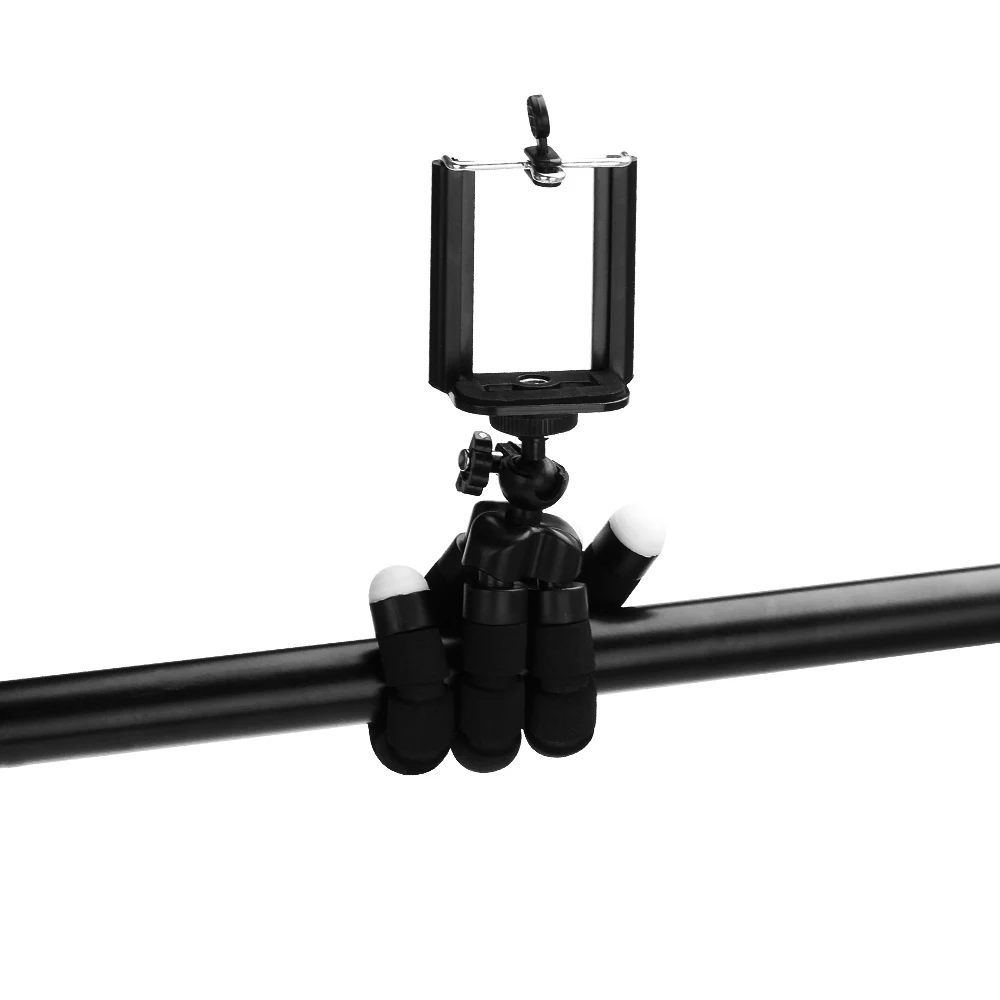
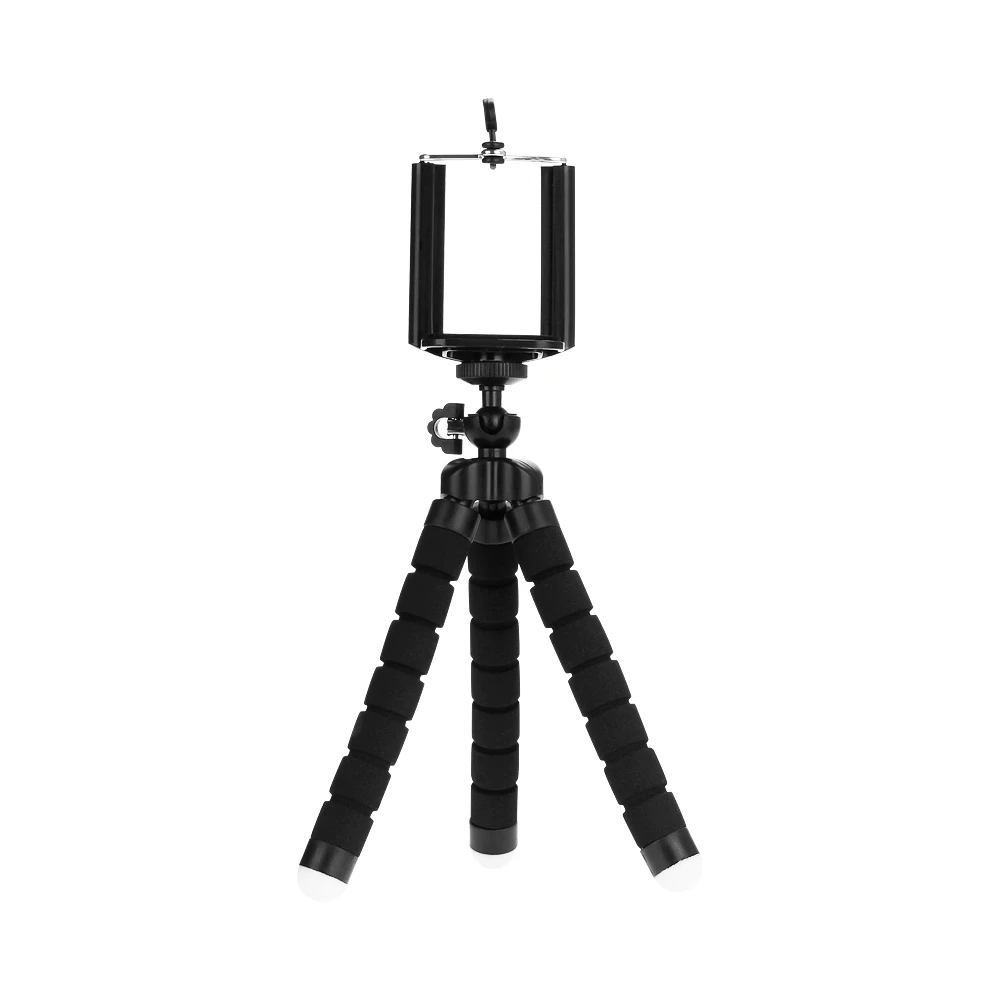
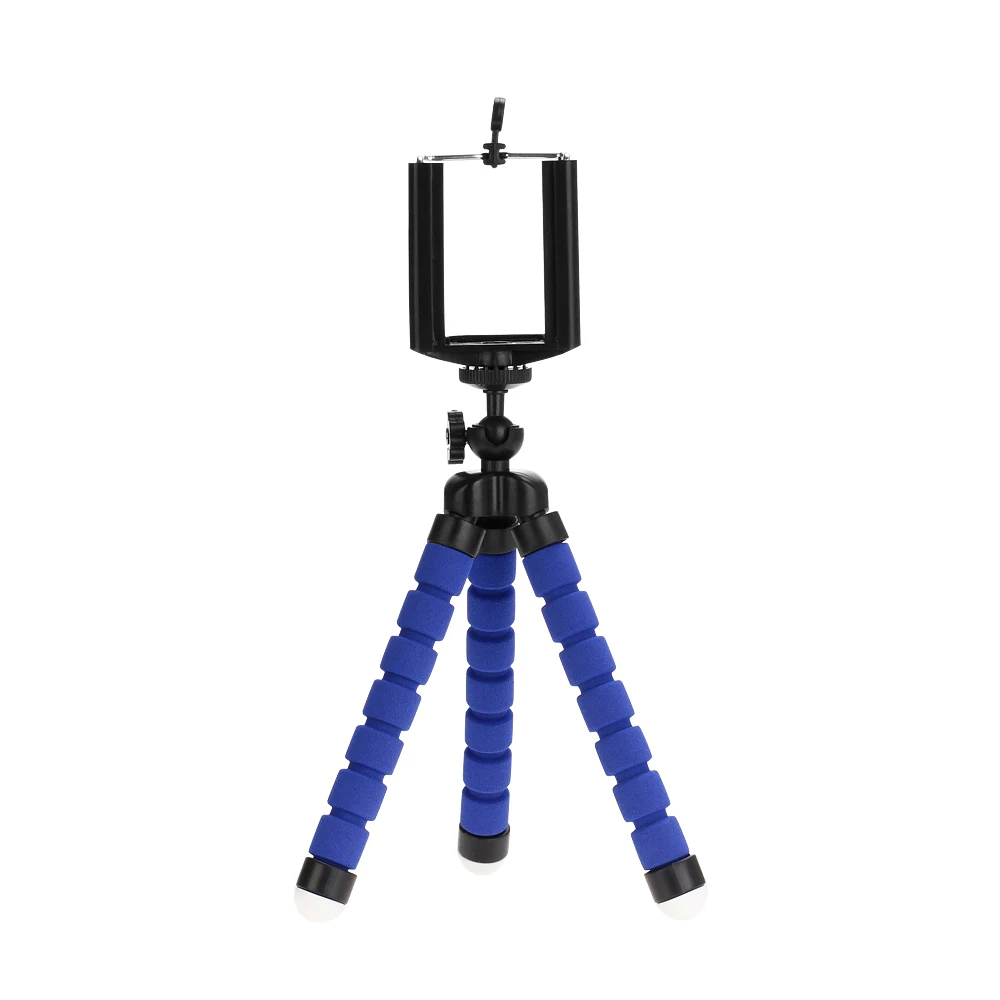
Meet your ultimate pocket-sized creative partner: the **VeFly Mini Flexible Octopus Tripod**. Designed for content creators, travelers, and everyday storytellers, this ultra-lightweight (only 60g!) and ultra-compact (170mm) tripod fits effortlessly into your pocket or bag for grab-and-go convenience. Its bendable, flexible "octopus" legs can securely wrap around tree branches, poles, or bicycle handlebars, or stand firmly on uneven surfaces, giving you limitless creative angles for the perfect shot. Equipped with a secure smartphone clip, it’s ideal for hands-free TikToks, vlogging, FaceTime, or capturing stunning time-lapses. Stop struggling with awkward angles and level up your mobile photography game with the ultimate travel companion!
Tripods tripod for phone Mobile camera holder Clip smartphone monopod tripe stand octopus mini tripod stativ for phone
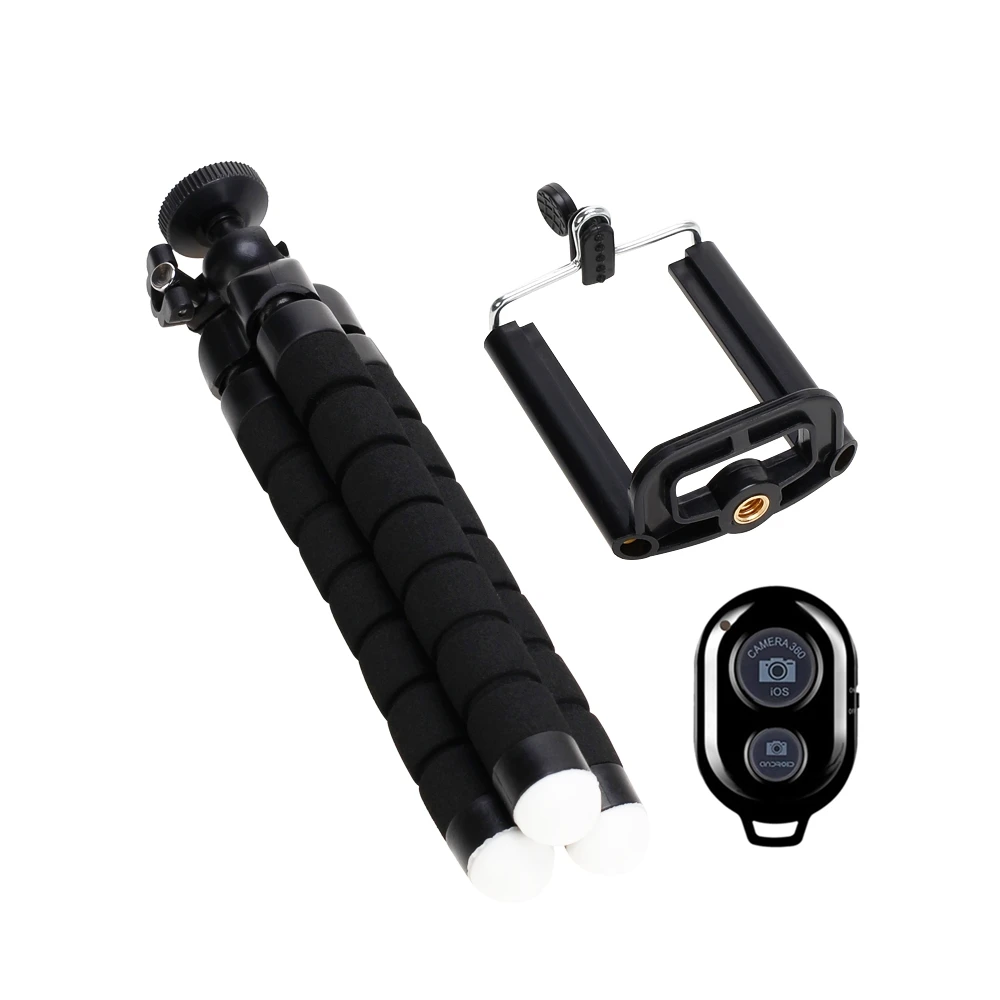
Please noted the remote shutter was not inlcude the battery because of the shipping restriction.
Feactures:
This unique adapter / holder adds a screw hole to the mobile phone.
It allows you to attach your phone to a monopod or tripod for better quality picture.
It supports mobile phone with width from 2.0"(5.5cm) ~ 3.5"(8.50cm)
All Cameras / Universal (1/4-inch -20 screw) camera link attachment
1. Complete flexibility, made of hard plastic
2. Gray rubberized rings, feet, and link cushion
3. The link attachment screws into most digital camera sizes and is removeable
4. Removable link attachment with lock release button
5. Allowing it to level out a camera on the most uneven surfaces
6. Weight: 60g
7. Size: 150 x 35 x 35mm
8. the item can support max 275g
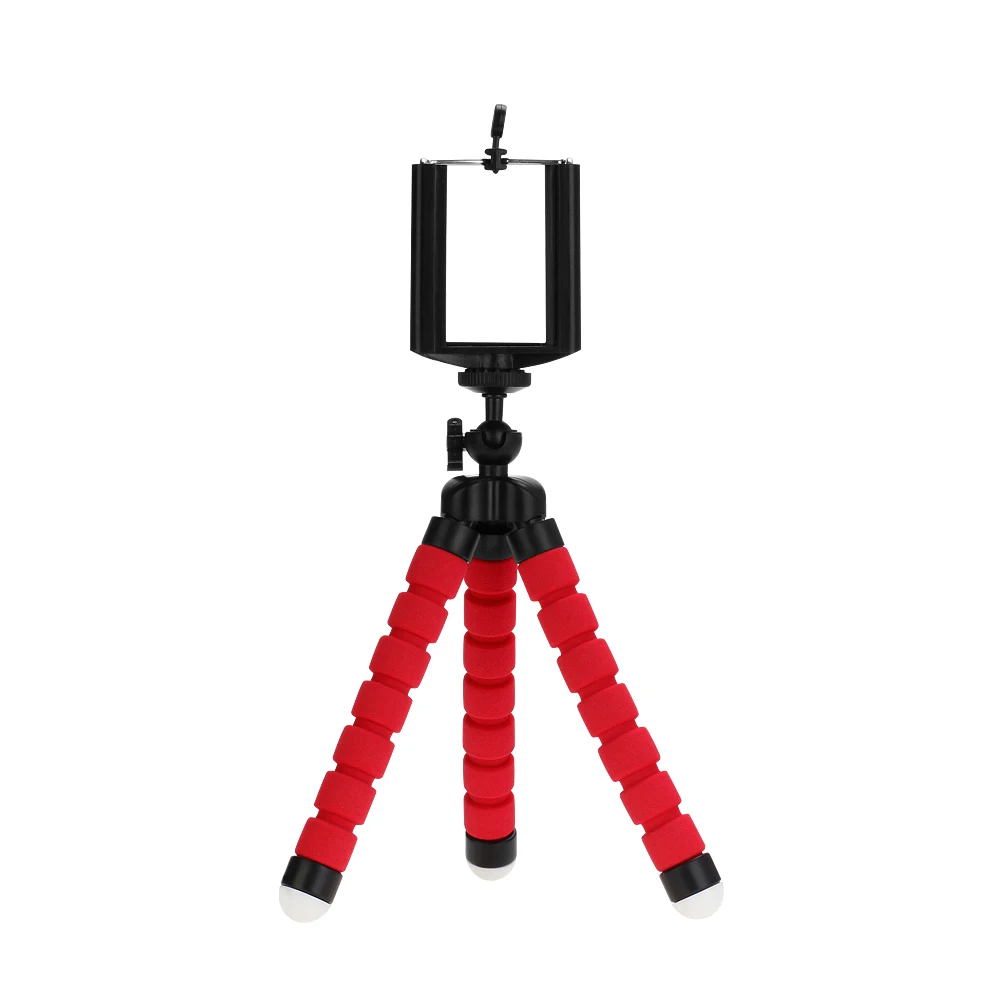
9. Color: Black/Black/Red
Remote Instructions:
(The remote shutter was not include the battery)
1. Insert the CR2032 battery, Press the power button, LED flashing;
2. After power on, press the bluetooth pairing key, LED flash slowly. The bluetooth steps to a state that can be searched and matched;
3. Use the mobile phones to match. LED will be out after the success of the pairing;
4. Long press the corresponding configuration key. LED will light up after configuration. The product can be used normally at this time.
5. Without using for five minutes, the product will automatically enter a dormant state. Please press the power button to turn off the timer when not in use, to ensure that the battery can be used for a long time.
6. Can be charged with PC devices or mobile power adapter. LED on --- charging. LED out --- saturation.
Package includes:
Please see the detail picture when choose the option